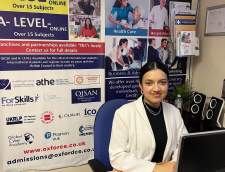
Digital Art Tools for Photoshop Certification

Oxford College of Education

Цена
school-reference
detail

Расписание

Длительность курса
52 недели
Даты начала курсов
Каждый понедельник
Уроков в неделю
1 lesson per week (каждый урок по 60 минут)
Дни занятий
понедельник - воскресенье

Расписание может меняться в зависимости от времени года и наполненности класов.

Курс

Digital Art Tools for Photoshop Certification
Ever wonder why a picture in a magazine looks flawless or how creative an advertising banner looks? While being a professional designer or photographer may have a lot to do with it, the potential to create amazing images is possible for anyone. The key is to learn how to use the right post-production software, such as Adobe Photoshop. The ability to create multi-layers with unique effects and designs allows the designer to add depth and dimension. It is important to understand what Photoshop is used for as it has multiple functions and can be a very useful tool in not just editing photos, but also creating pamphlets, banners, business cards and flyers. This course will teach you about the benefits of such a program and also provides instructions on how to use it for both professional and personal needs.

Throughout the course, you will see 21 different videos. Each video will take you on a step-by-step journey through the basic features of Photoshop. While there are several obvious features, such as the ‘Layers’ dialogue box, there are additional ways to use each tool to maximise the post effects of a photo.

In this course, you will learn:
How to create a new file and adjust a canvas size that is suitable to project needs
How to navigate through the software, where to find its tools and understand the layout of the page
Learn how to identify Photoshop tools and understand their basic functionalities
Learn how to identify the secondary tools, how to select them and what they are used for
Learn shortcuts and understand how and when to use them
How to use the layer option and understand the layer dialogue box
Learn how to use and apply adjustment layers
How to add effects and filter to an existing image
Course Benefits:
You will learn the basic steps of using Photoshop and can begin to create a design
How to become more efficient by using shortcuts and understanding the use of specific tools
You will understand how to enhance an image and ways to crop the image to reuse for another project
The importance of colours and how they can be adjusted and enhanced using the different colour options such as colour balance
How to use brightness and contrast, exposure and hue and saturation to manipulate a photo
How to use rulers to make creative designs such as pamphlets
Design elements that enhance a creative project

Уровень

Все уровни, от Beginner до Advanced
В первый день вас протестируют и определят уровень. Вы также можете сдать этот тест до вашего приезда в Хай-Вайкомб.

Размер класса

В среднем 12 человек
Максимум 15 человек

Возраст учеников

Возрастной диапазон 16 - 35 лет
В среднем 19 лет

Сертификат

Выдается сертификат об окончании курса.
Узнать больше...
school
photos

Фото

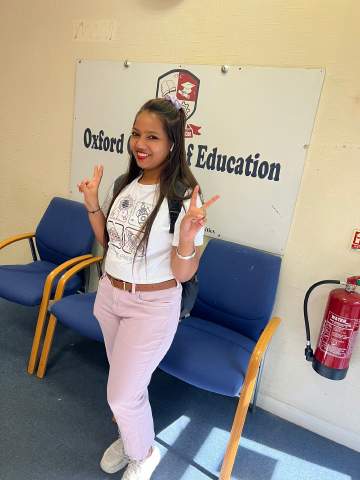
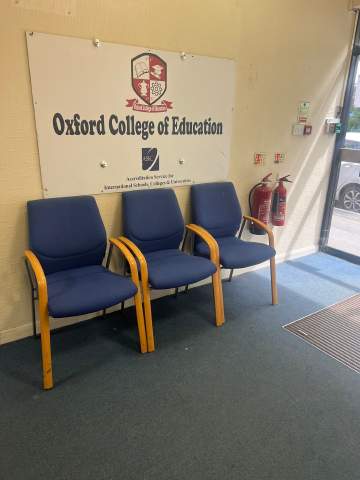
  • Oxford College of Education 1/10
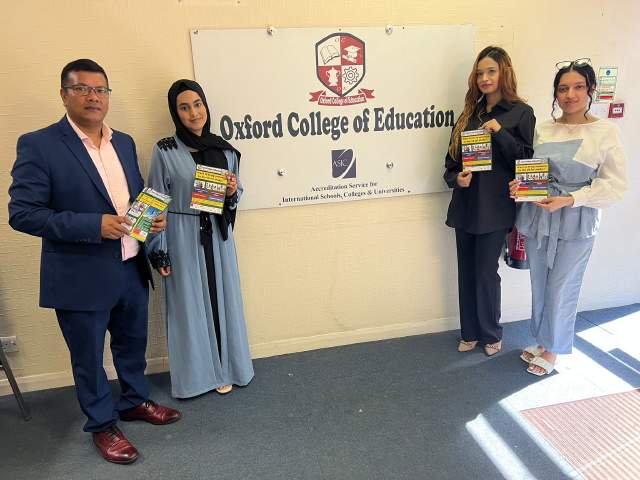
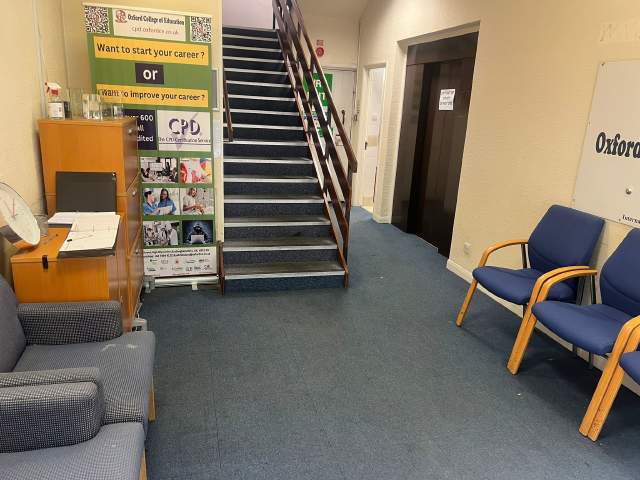
  • Oxford College of Education 2/10
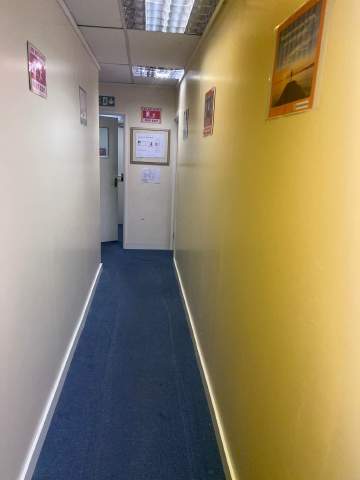
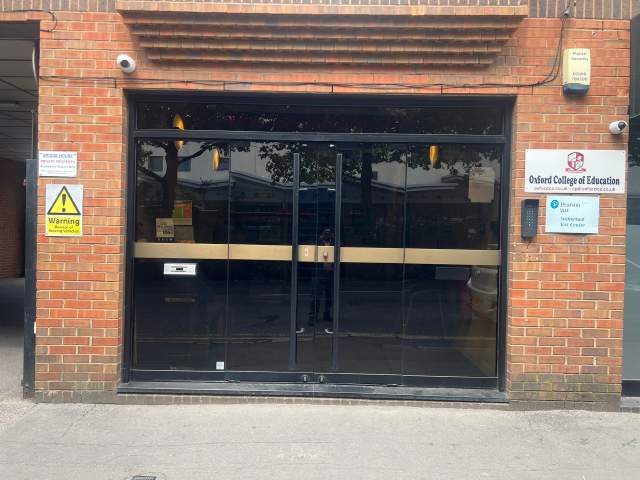
  • Oxford College of Education 3/10
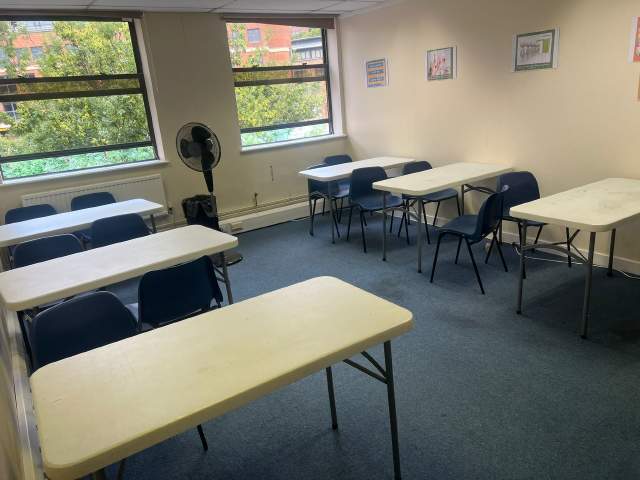
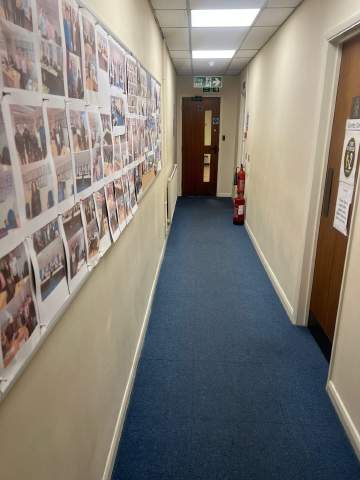
  • Oxford College of Education 4/10
  • Oxford College of Education 5/10
  • Oxford College of Education 6/10
  • Oxford College of Education 7/10
  • Oxford College of Education 8/10
  • Oxford College of Education 9/10
  • Oxford College of Education 10/10
visa

Визовая поддержка

Мы не можем подавать на визу от имени студента. Вместе с тем, школа при необходимости пришлет вам приглашение в поддержку вашего визового заявления.

Если вы планируете учиться в Великобритании более 11 месяцев, вы получите свой номер, который называется Confirmation of Acceptance for Studies (CAS), который вам надо будет предоставить в посольство Великобритании вместе с вашим заявлением на учебную визу General Student Visa. Забронировавшие и полностью оплатившие курсы с Language International получат CAS от OCE. Обратите внимание, что согласно законодательству Великобритании, CAS может быть выдан только тем, кто планирует учиться более 11 месяцев.

Если вы планируете учиться в Великобритании 11 или менее месяцев, вам необходимо подать на визу Student Visitor Visa. Эта виза не дает вам право работать во время пребывания в Великобритании. Если вы собираетесь учиться в Великобритании 11 или менее месяцев, приглашение на эту визу будет бесплатно выслано обычной почтой на указанный вами адрес.

Узнать больше о получении визы Великобритании. »

Перелет и трансфер

Please note that we do not book flights for our students. If you are researching airfare costs, we recommend using Kayak.com, a search engine that lets you compare flight options from your home country to Хай-Вайкомб based on your budget, schedule and preferences.

Туристическая страховка

Учитесь за границей без забот, застраховав Ваше здоровье и личные вещи с помощью нашей страховкиl. Бронируя курс у нас, Вы можете выбрать расширенную страховку, которая покроет не только Ваши медицинские расходы, но и застрахует Ваши личные вещи. Страховку необходимо заказывать заранее, когда вы бронируете курс.

Узнать больше о страховании »

Узнать больше...
questions

Вопросы и ответы

Вопросы? Получите ответы от персонала и недавних студентов.

Задать вопрос
Показать цены